
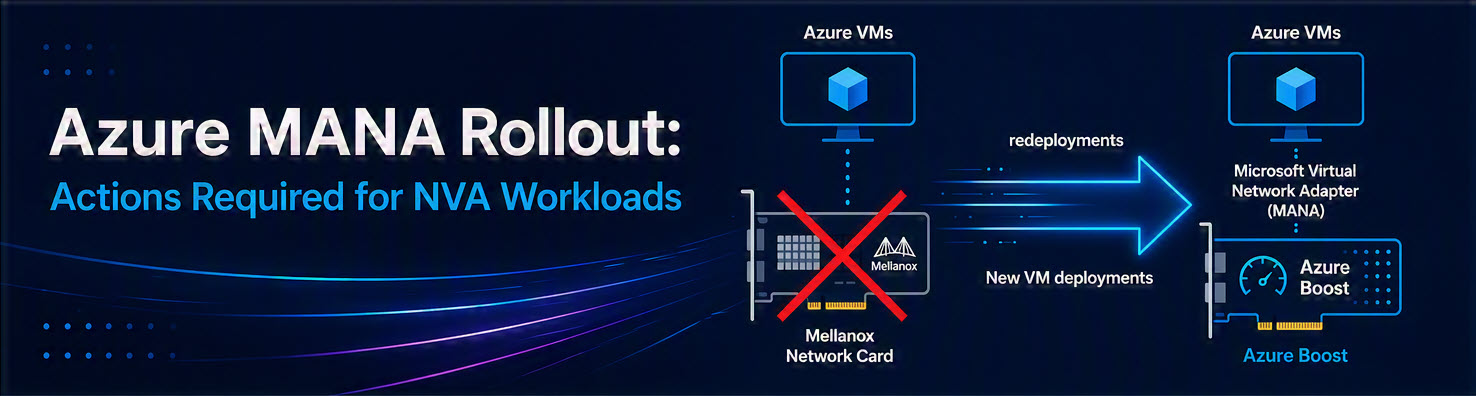
Azure MANA Rollout: Actions Required for NVA Workloads
Anyone who has checked their Azure Service Health notifications or emails over the past few days has likely rubbed their eyes in disbelief. Microsoft has pulled forward the timeline for a critical infrastructure update involving the Microsoft Azure Network Adapter (MANA).
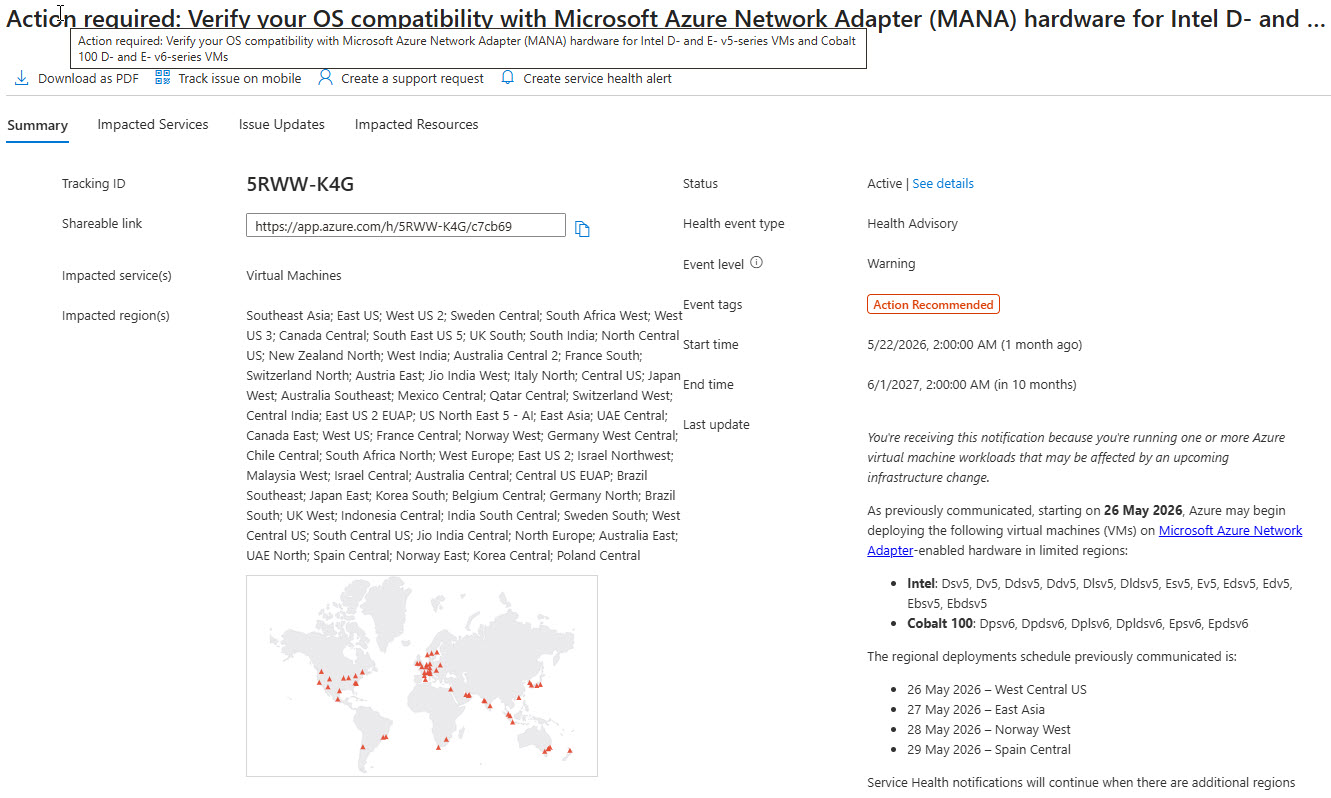
What was originally scheduled for August 2026 has already begun in some regions as of May 26, 2026. According to Microsoft, the reason for this short-notice change is to ensure adequate capacity for customers. The problem: Operators of Network Virtual Appliances (NVAs) are left with almost no time for proper change management. Even third-party vendors like Checkpoint are proactively warning their customers about the accelerated deployments.
Read on to find out exactly what is happening, who is affected, and how to protect your firewalls and routers from performance degradation.
What is the MANA Rollout all about?
Microsoft is migrating the underlying network hardware in its data centers. The current Mellanox hardware is being replaced by their proprietary Microsoft Azure Network Adapter (MANA). From my perspective this is the result of rolling out Azure Boost as a more available and centralized infrastructure card which is designed by Microsoft and now more and more available in the server infrastructure.
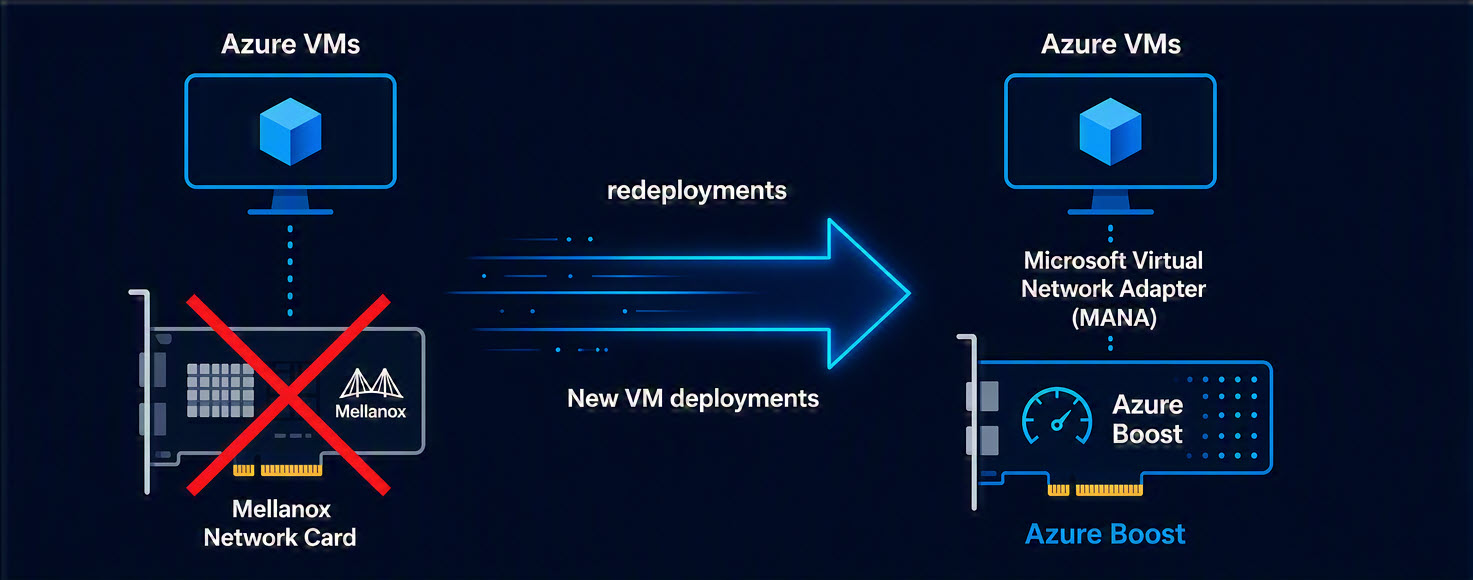
If VMs utilizing Accelerated Networking land on this new hardware, but the guest operating system (especially Linux) is not MANA-compatible, they may suffer noticeable network performance degradation.
Which Systems are Affected?
Generally, this change impacts Linux-based Network Virtual Appliances (NVAs) that utilize Accelerated Networking.
- No action required for pure Windows VMs running supported OS versions.
- No action required for VMs that do not use Accelerated Networking.
For all other systems, the following schedule applies:
| VM Series | Affected Sizes (Examples) | Rollout Start Date |
|---|---|---|
| Intel v5 & Cobalt 100 v6 | Dsv5, Dv5, Esv5, Dpsv6, Epsv6 | From May 26, 2026 (Rolling by region, starting in West Central US) |
| Older Series (v2, v3, v4) | Dsv4, Ev4, Dsv3, Fsv2, Ls | From August 1, 2026 |
The Emergency Plan: How to Protect Your NVAs Immediately
Since an OS upgrade or an NVA version change from vendors like Check Point, Palo Alto, or Fortinet requires time for evaluation and testing, Microsoft has provided an opt-out mechanism.
Azure administrators should urgently perform the following steps:
- Identify Affected Systems: Check all NVA workloads running on the affected Intel v5 and Cobalt 100 v6 series that use Accelerated Networking.
- Verify Vendor Compatibility: Contact your NVA provider to get a list of MANA-compatible products.
- Set the Opt-Out Tag: If your current NVA OS is not compatible, you must apply the tag
"LegacyVMNVA"to the corresponding VM. - Activate the Exception: Applying this tag grants a temporary exception from the MANA hardware rollout until May 31, 2027.
- Use the Reapply Function: The good news for operations is that a hard “Stop/Deallocate” is no longer required. Instead, you can use the
reapplycapability for single instances, as well as VMSS Flex and Uniform, to apply the changes.
Conclusion
From a technological standpoint, an infrastructure upgrade to enhance network performance is welcome. However, a window of just 24 hours between the announcement and the start of regional deployments is extremely critical for enterprise environments. If you run critical NVA infrastructure on v5 or v6 SKUs, you should roll out the "LegacyVMNVA" tag immediately to avoid unplanned performance issues until an official update from your firewall or router vendor is available. An upgrade to a MANA-compatible product must be completed no later than May 31, 2027.
References & Links
Tags for this article:
Filed under: Azure , Cloud , Windows Server , Azure Compute , Azure Network , Azure Infrastructure
← All posts